Case settings
Case settings holds the case's coverage window and its archive and delete controls. To change the parties, the court, or the case's dates, use Key facts on the Caseboard.
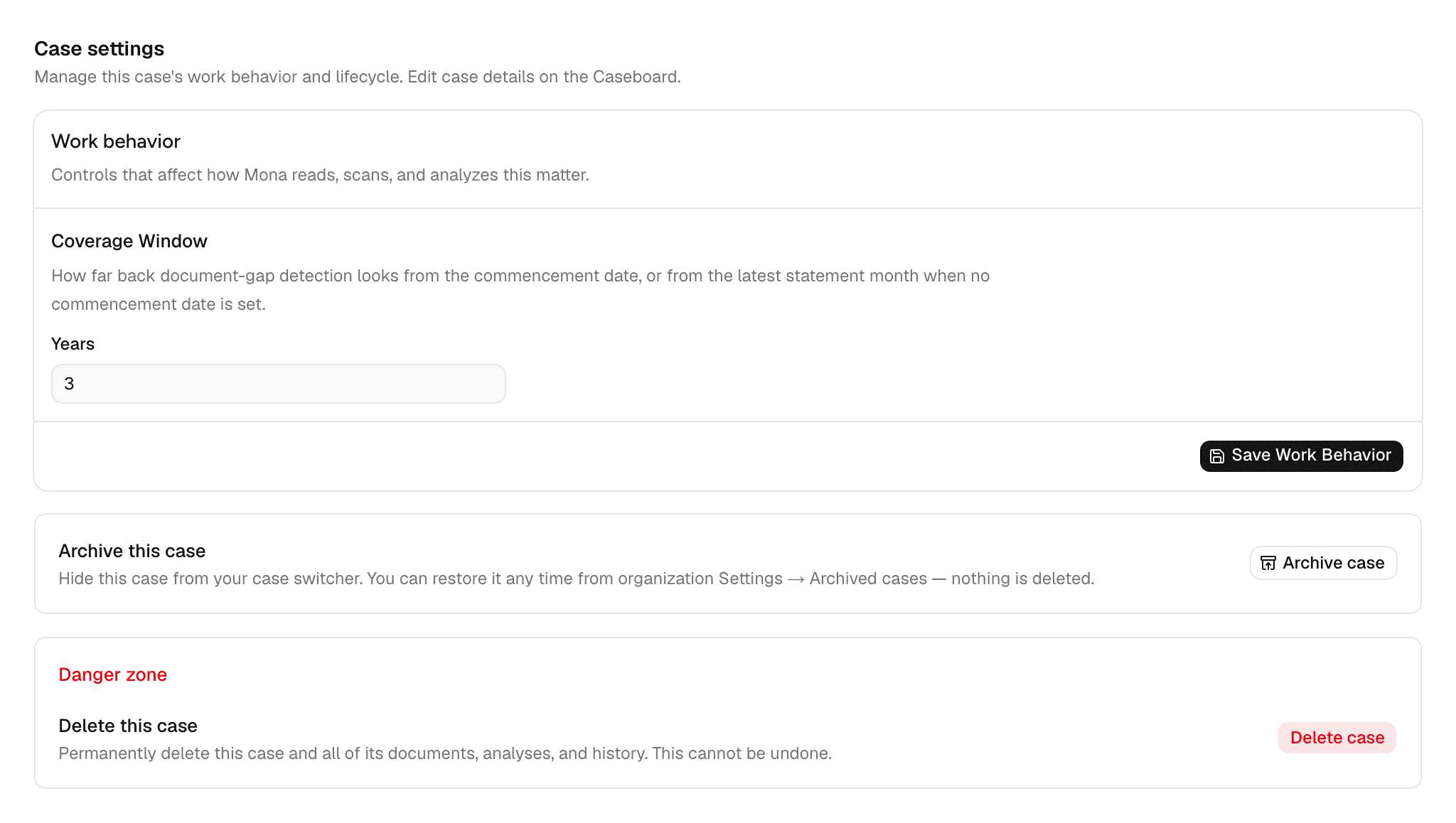
Coverage window
The coverage window is how far back Mona looks for gaps in the case's statements. Enter a whole number of years from 1 to 10, then click Save Work Behavior. A new case starts at 3.
The window ends at the commencement date's month, or at the latest statement's month when the case has no commencement date. With a commencement date in March 2024, a 3-year window runs from April 2021 through March 2024.
Accounts, Timeline, and Missing accounts use this window to show which months the case should have. It doesn't limit what Mona reads: Mona still reads every document you upload.
Archiving and restoring
Click Archive case to hide a closed or paused case from your case switcher. Nothing is deleted.
To bring it back, click Restore case on this page, or open your firm's settings, go to Archived cases, and restore it there.
Deleting
To delete a case, click Delete case under Danger zone, or find it in Archived cases. Type the case's name to confirm. Your firm's owners and admins can delete a case.
This removes the case and everything in it for good, including its documents, Mona's work, and its conversations. Any work Mona is doing on the case stops. It can't be undone, so archive a case you may need again.
Your firm's usage stays: what the case used still counts toward the month in Usage. Mona also keeps a record of who deleted which case and when, without the case's name or files.